TechSee Instant Mirroring
Techsee Google Developer Account
Downloads
100,000+
Version
Latest
Click to download now, finish the installation quickly, and directly unlock the all-round experience
Screenshots
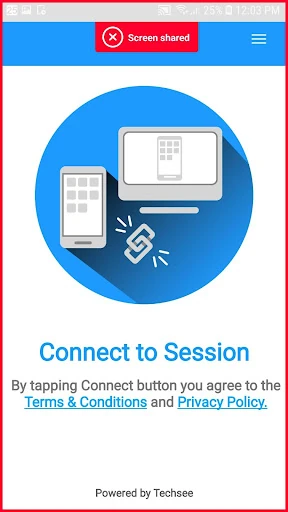
Click to download now, finish the installation quickly, and directly unlock the all-round experience
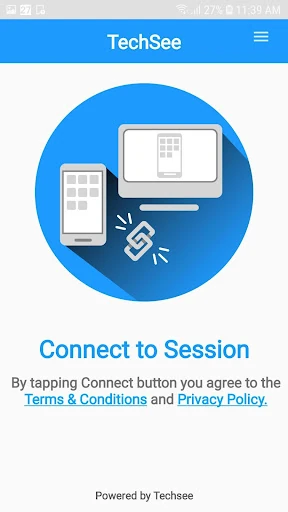
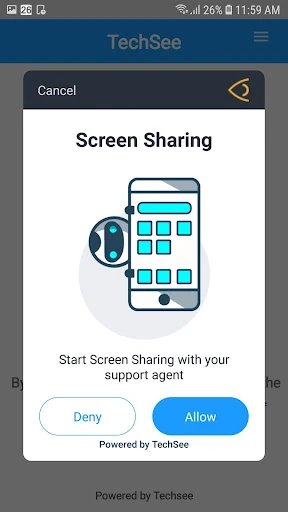
TechSee Instant Mirroring lets a support representative view a customer’s Android screen during a live help session. Instead of relying only on a spoken description, the representative can see the device interface, settings, messages, and on-screen errors as the customer works through a problem. The app is intended for guided troubleshooting rather than general screen sharing.
This app is aimed at customers who are already receiving assistance through the TechSee support system, along with the service teams helping them. It can be useful when a problem is difficult to explain over the phone or when a representative needs to confirm exactly what appears on the customer’s device. It has limited value as a standalone communication app because its main purpose is to support an active service interaction.
A support interaction can direct the customer to the mirroring session through a text message link, reducing the need to search for the app or work through a complicated setup. Once connected, the customer’s screen is shared in real time with the support representative. The usefulness of the session depends on a reliable mobile or Wi-Fi connection, particularly when the representative needs to follow changes as they happen.
TechSee Instant Mirroring belongs near the specialist end of the Communication category: it is built for a specific support workflow, not everyday messaging or broad remote-access use. Its place is strongest for users who have been asked to join a TechSee-assisted session and need a direct way to show what is happening on their phone.