
Click to download now, finish the installation quickly, and directly unlock the all-round experience
Screenshots
Click to download now, finish the installation quickly, and directly unlock the all-round experience
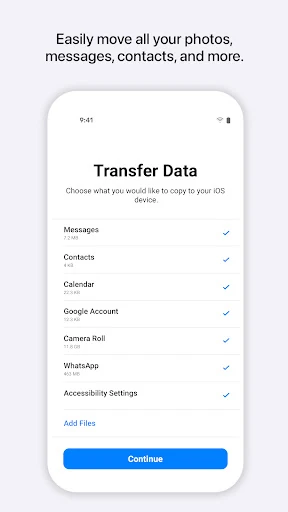
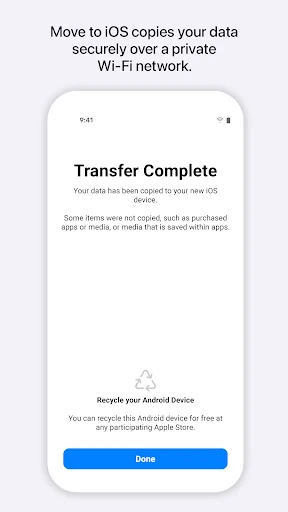
Move to iOS is Apple’s transfer tool for people changing from an Android phone to an iPhone or iPad. It moves selected personal content into the new Apple device during setup, helping users bring over information such as contacts, messages, photos and videos, calendars, mail accounts and other supported data. It is designed for a switch between platforms rather than for regular file sharing or ongoing device management.
This app fits Android users who have just bought an Apple device and want one guided handover instead of moving each type of data separately. The process pairs the two devices over a direct wireless connection, so the transfer does not depend on uploading everything to an additional cloud service. It is most useful before the iPhone or iPad has been fully set up; users who are already partway through setup may need to return to the beginning before using it.
Move to iOS is developed by Apple and sits in the Tools category. It has a 3.65 rating from 216,785 reviews and has recorded 100,000,000+ installs. The app is aimed at a specific moment—moving from Android to Apple hardware—so its value depends less on frequent use and more on whether that transfer is needed.