Niagara Launcher ‧ Home Screen
Peter Huber
Downloads
10,000,000+
Version
Latest
Click to download now, finish the installation quickly, and directly unlock the all-round experience
Screenshots
Click to download now, finish the installation quickly, and directly unlock the all-round experience
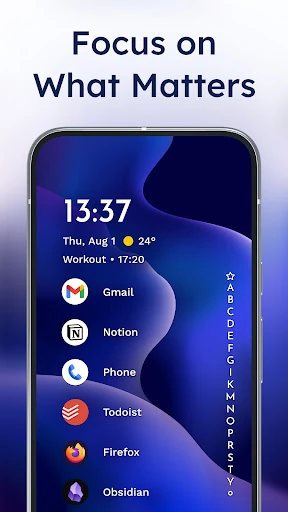
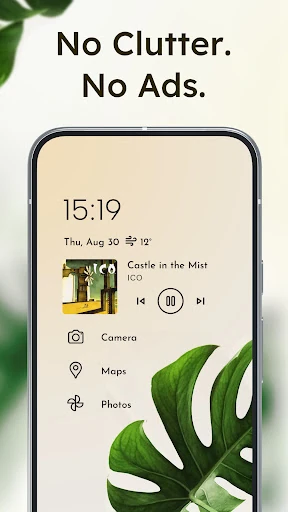
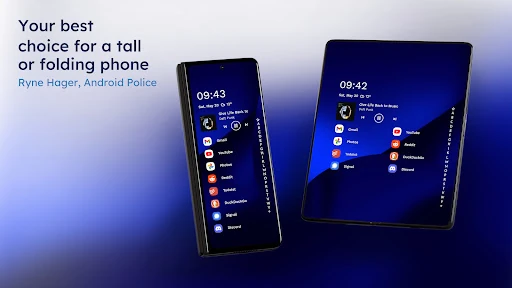
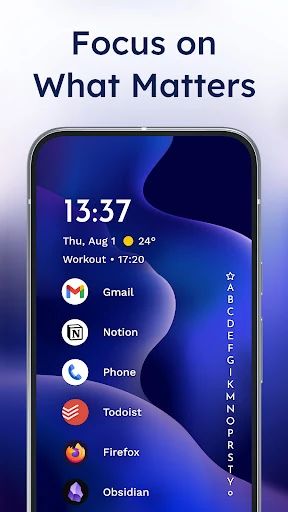
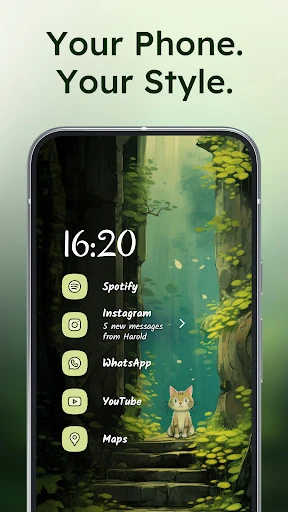
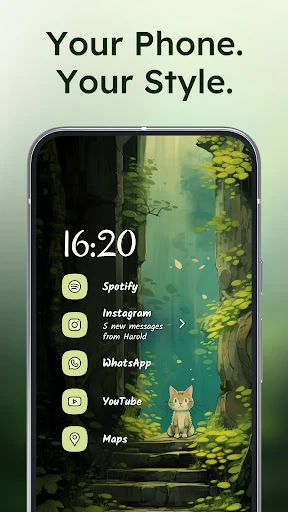
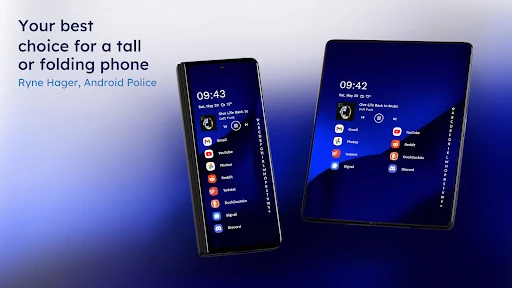
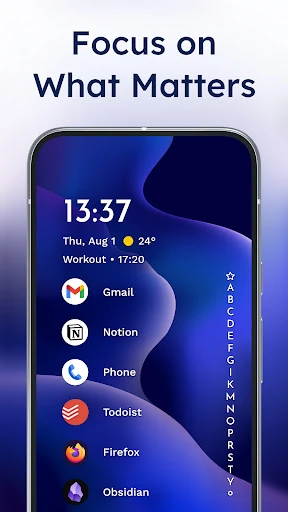
Niagara Launcher ‧ Home Screen replaces the standard Android app grid with a compact, vertical list. It is suited to people who want to reach apps, notifications, and other daily information without moving around a crowded home screen, especially on larger phones or when using one hand.
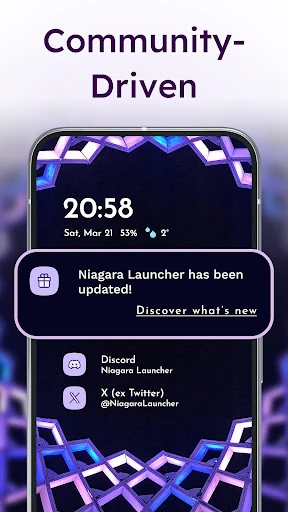
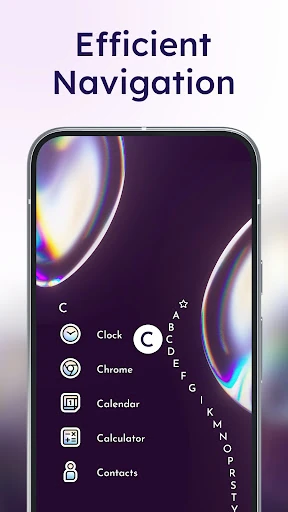
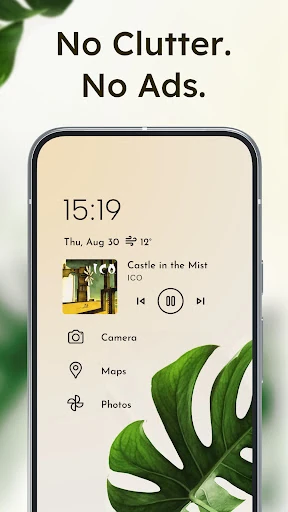
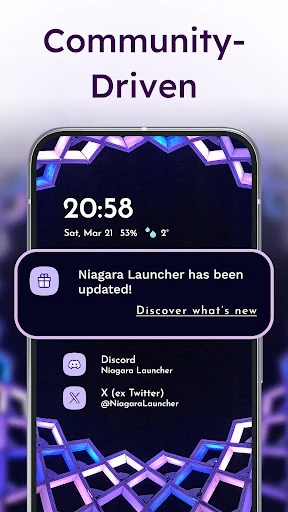
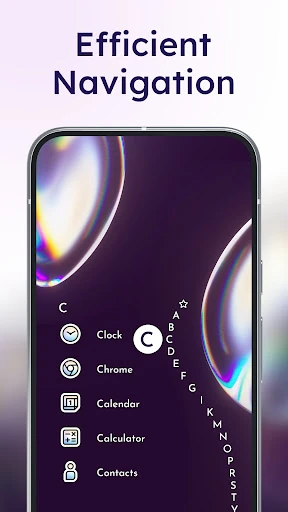
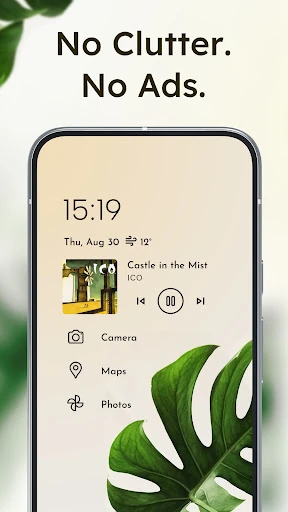
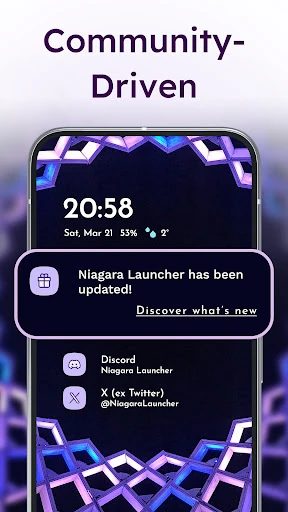
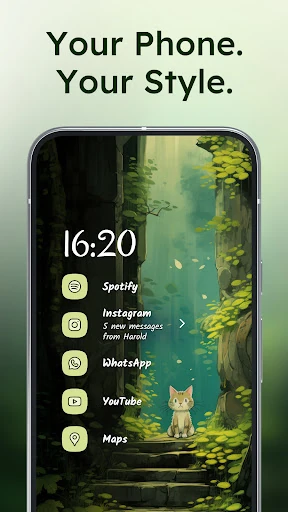
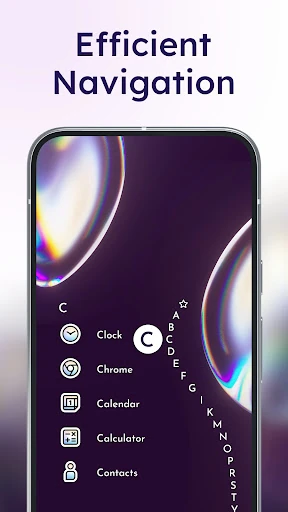
Your selected apps sit in a simple list, while the alphabet along the edge provides a quick route to the rest of the app drawer. The layout can also bring items such as media controls, messages, and calendar events into view when they are relevant. Notifications appear directly on the home screen rather than only as small app badges.
This launcher fits users who prefer a focused, text-led layout over rows of icons. It also makes sense for anyone who finds a traditional app grid difficult to scan or reach. People who want notification actions, media controls, and calendar details close to the home screen may find the integrated layout more practical than a separate widget-heavy setup.
Niagara Launcher is developed by Peter Huber and has more than 10,000,000 installs. Its rating is 4.75 from 173,600 reviews, placing it among the established Android launcher choices in the Personalization category. The free version is ad-free, while the core approach remains the same: a streamlined list designed to reduce clutter and shorten the path to frequently used apps.